From conversation to booking
A visual companion to DigLab Inbox documentation. Follow an anonymised customer conversation from understanding the request to confirming a booking and following up.
These are real, previously captured screens with identifying details redacted. Messages illustrate one customer journey; they are not templates or a promise of automatic results. Your interface and available features may differ.
Understand the request
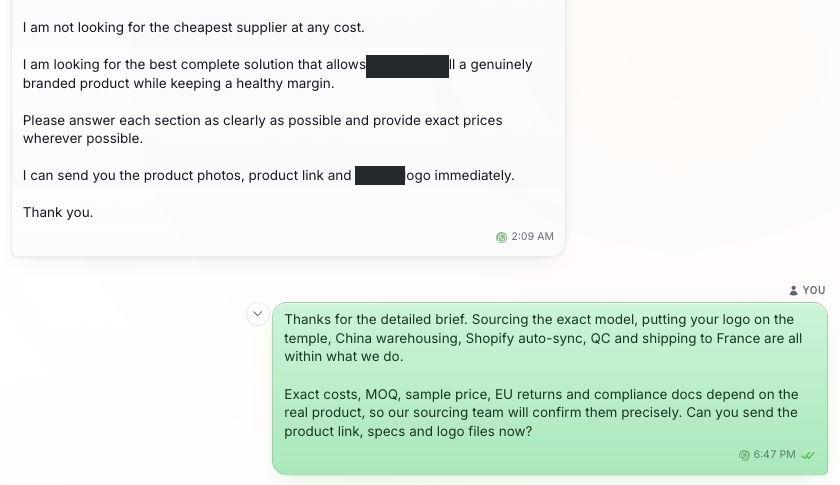
Open Chats and read the full conversation. Confirm what the customer needs, then reply or review the AI response. If details are missing, ask a focused follow-up question.
Read the context before replying

Confirm the next step
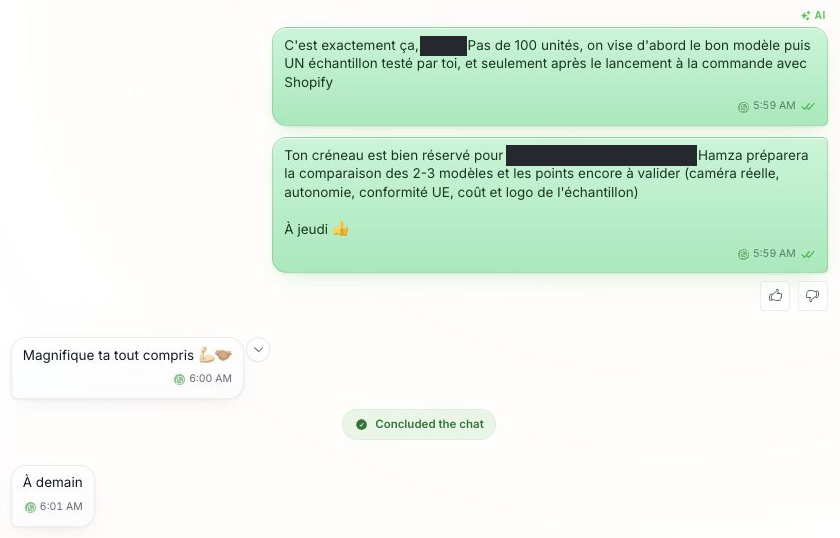
Use your appointment workflow to check the date, time zone and availability. Confirm the details in the conversation. Concluding a chat is separate from verifying that the appointment exists.
Check the booking before confirming it
Follow up in the same conversation
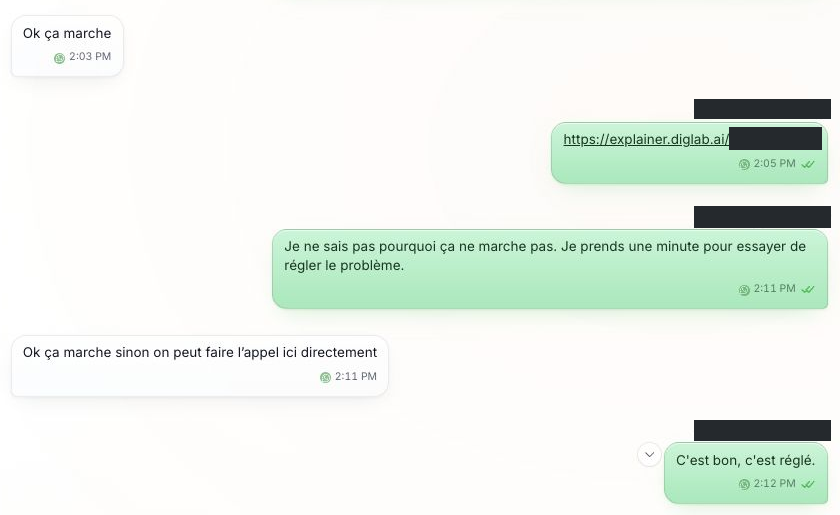
Send the relevant link through the conversation after confirming its destination. If the customer reports a problem, respond with a clear next action and verify the result before closing the thread.
Keep the next action clear